Learn the controls.
Own the night.
Get comfortable before the guild arrives. Real screens, clear steps, and a better way to talk, watch, and play together.
A useful first stop for curious visitors and your newest guild members.
From “where is it?”
to “I’ve got this.”
Follow a guide from start to finish, or jump straight to the control you need. Every picture opens larger.
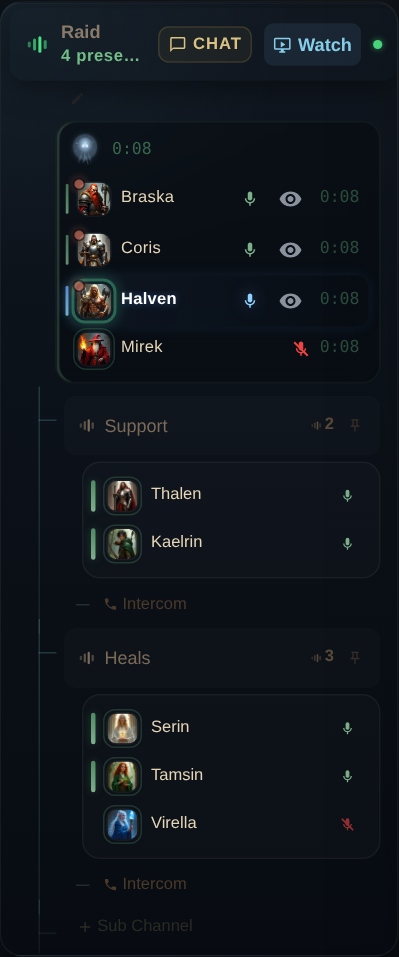
Intercom & /shout
Keep party chatter focused, then reach a linked room or the wider raid when it matters.
Read the guide →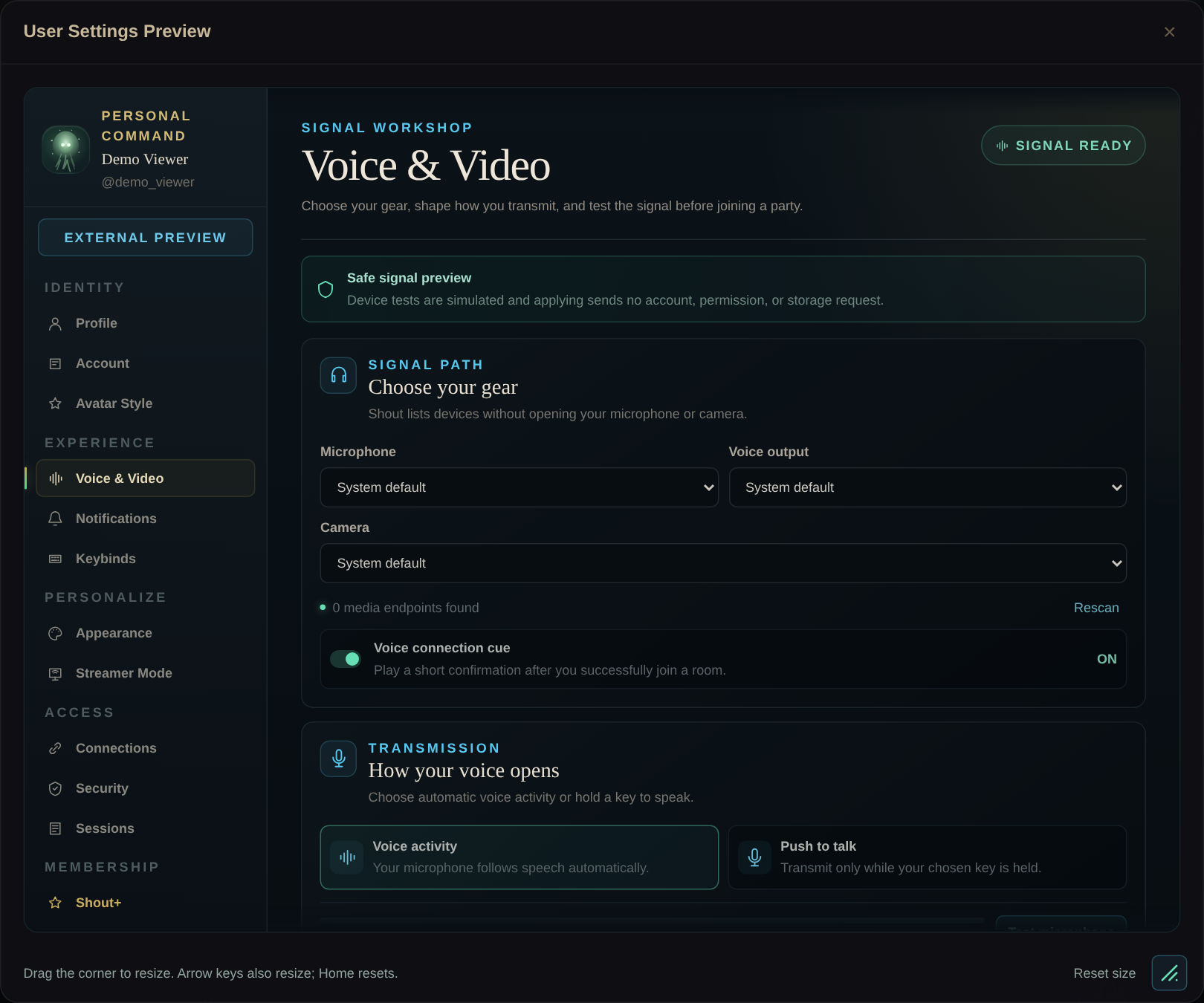
Your Shout settings
Set up your microphone, shortcuts, alerts, and appearance before everyone arrives.
Read the guide →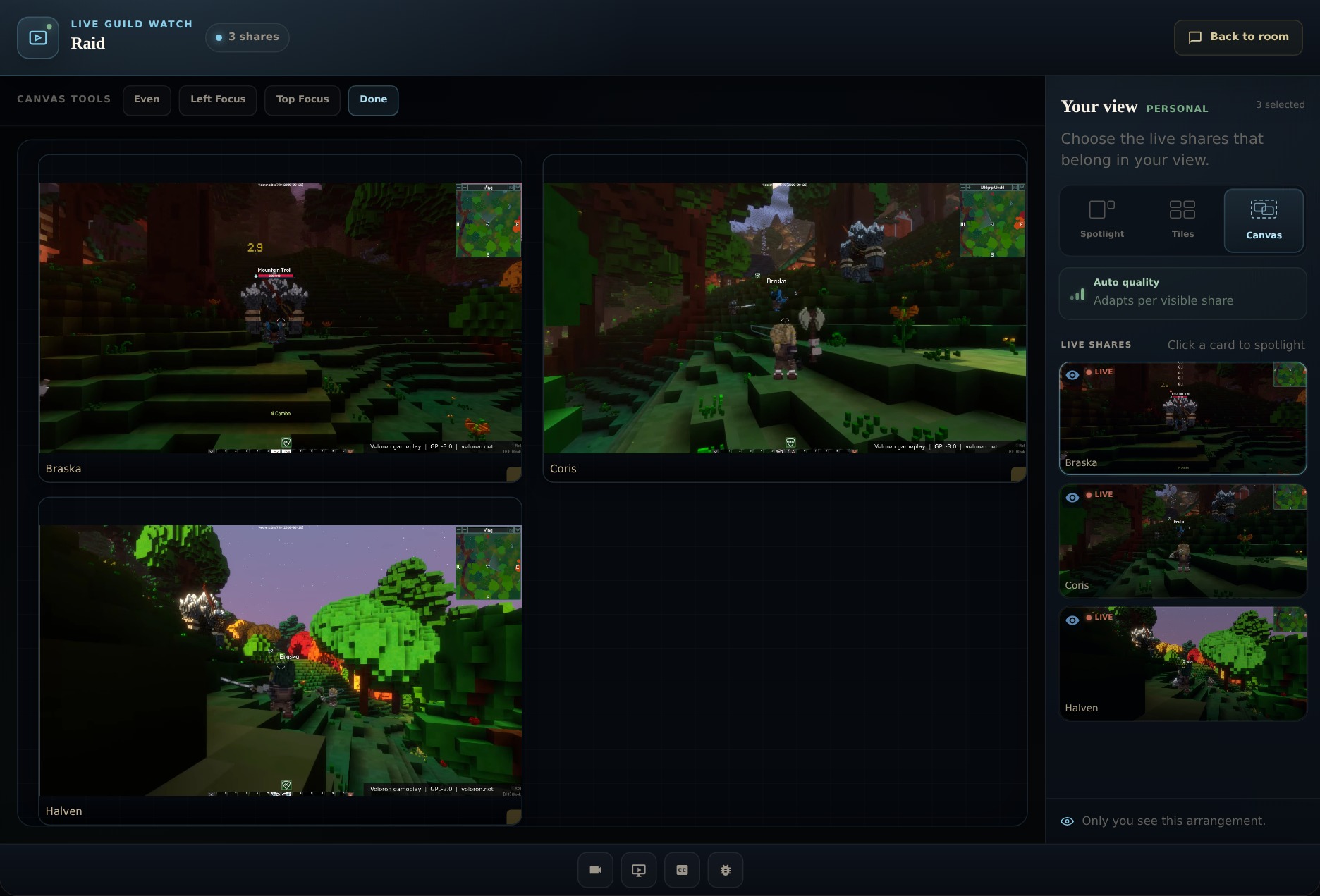
Streams & personal Canvas
Follow the tank, scout, and the next play with a layout that belongs to you.
Read the guide →Three small steps. A better start.
Make yourself heard.
Pick your microphone and check your signal before the group joins.
Set up voice →02Keep the party connected.
Learn which room a call reaches, then set a shortcut that fits.
Learn intercom →03Choose your perspective.
Watch the shares you care about in a layout that belongs to you.
Arrange your view →Bring the guide.
Meet the guild.
Explore the demonstration community with these guides beside you. Create an account when you are ready to set up your own space.
Screenshots show the actual interface with a demonstration profile and guild. The demo includes simulated voice and device previews.